
This video has X views
You've surely seen those videos that became a trend, where the title keeps updating based on how many views the video has.

I made one myself, here it is 👀:
And believe it or not, it's easier than it looks: we just need to use the YouTube API. To use it we need a Google account, which I'll assume you already have.
We also need Python 3 installed (if you don't have it, you can download it here).
The API site has a reference section with plenty of examples of what we can do. We need three things:
- Get the video's data, to see how many views we have.
- Update the video's title.
- Change the video's thumbnail.
Let's start with the first step.
Getting the video's data
Go to the menu, select the videos submenu, then list.
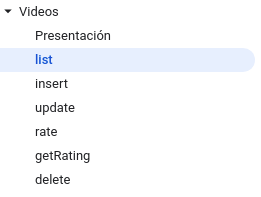
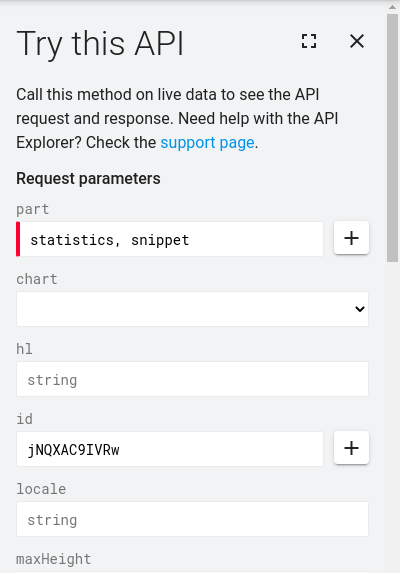
This section shows the data we can get for a video and the parameters required to get it. We care about the views, they come back if we request statistics, and the video's data to get the current title, which comes in snippet.
The nice part is that we can try the API right from the site, so let's do that: find a video and copy its ID (the last characters of the video's URL).

We paste that ID here:
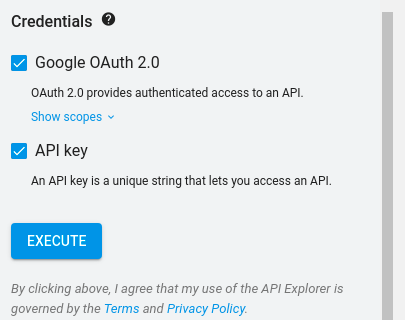
Then we run it with the execute button at the bottom:
And it returns the following:
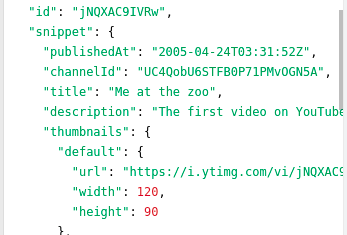
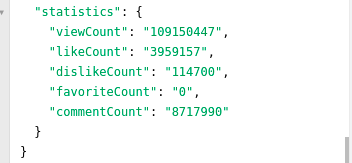
As you can see, it returns both the view stats and the video's data: title, description, etc.
We've got the data; now we need to do the same from Python. Luckily the API gives us these same requests in different languages. To see them, click this button:
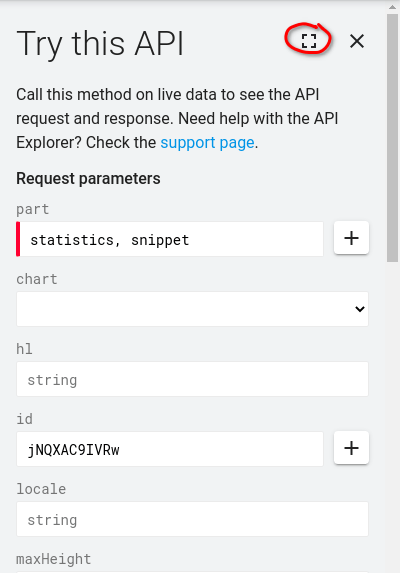
A menu opens with examples in multiple languages:
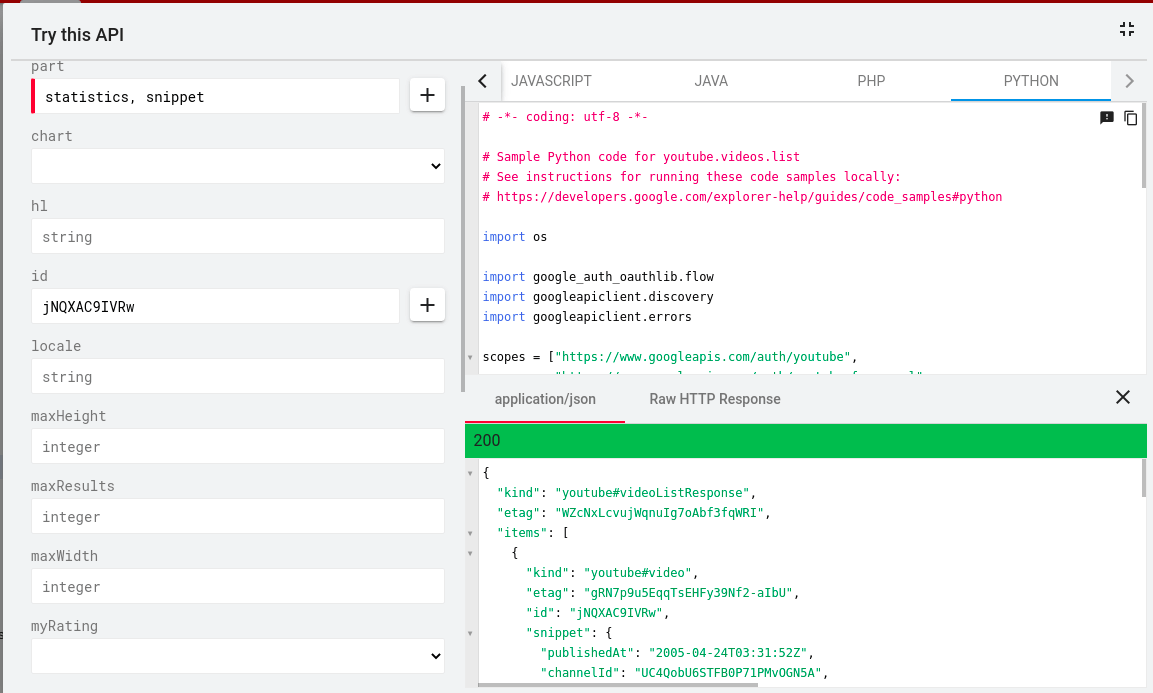
Go to the Python section and copy the code into your favorite editor. We tweak it a bit so we can pass the video ID as an argument, and it ends up like this:
# -*- coding: utf-8 -*-

# Sample Python code for youtube.videos.list
# See instructions for running these code samples locally:
# https://developers.google.com/explorer-help/guides/code_samples#python

import os
import sys

import google_auth_oauthlib.flow
import googleapiclient.discovery
import googleapiclient.errors

# We add more scopes so the script can modify our videos
scopes = ["https://www.googleapis.com/auth/youtube",
          "https://www.googleapis.com/auth/youtube.force-ssl",
          "https://www.googleapis.com/auth/youtube.readonly",
          "https://www.googleapis.com/auth/youtubepartner"]

def main():
    # This grabs the ID we pass when running the script
    ID = sys.argv[1]

    # Disable OAuthlib's HTTPS verification when running locally.
    # *DO NOT* leave this option enabled in production.
    os.environ["OAUTHLIB_INSECURE_TRANSPORT"] = "1"

    api_service_name = "youtube"
    api_version = "v3"
    client_secrets_file = "YOUR_CLIENT_SECRET_FILE.json"

    # Get credentials and create an API client
    flow = google_auth_oauthlib.flow.InstalledAppFlow.from_client_secrets_file(
        client_secrets_file, scopes)
    credentials = flow.run_console()
    youtube = googleapiclient.discovery.build(
        api_service_name, api_version, credentials=credentials)

    request = youtube.videos().list(
        part="statistics, snippet",
        id=ID
    )
    response = request.execute()

    print(response)

if __name__ == "__main__":
    main()
If we run this script (I saved it as update.py) it will fail, because we don't have the required libraries yet. We install them with the following commands (it's recommended to create a virtual environment to manage Python dependencies, I suggest reading this 👀):
pip install --upgrade google-api-python-client
pip install --upgrade google-auth-oauthlib google-auth-httplib2
Great, we have the libraries. Now we need credentials to access the API, which we get from the Google console.
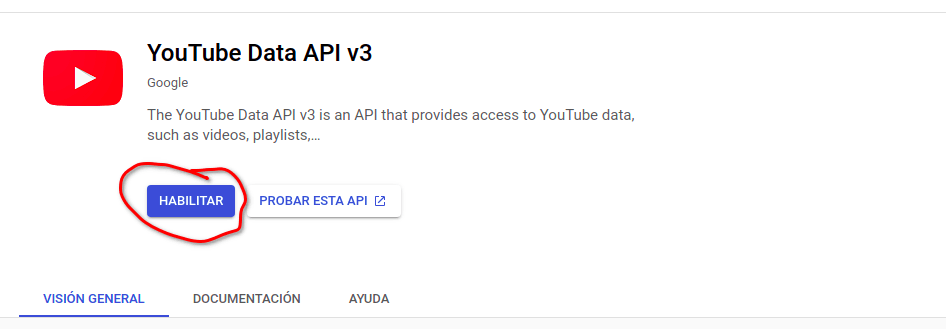
Search for the YouTube API in the console:
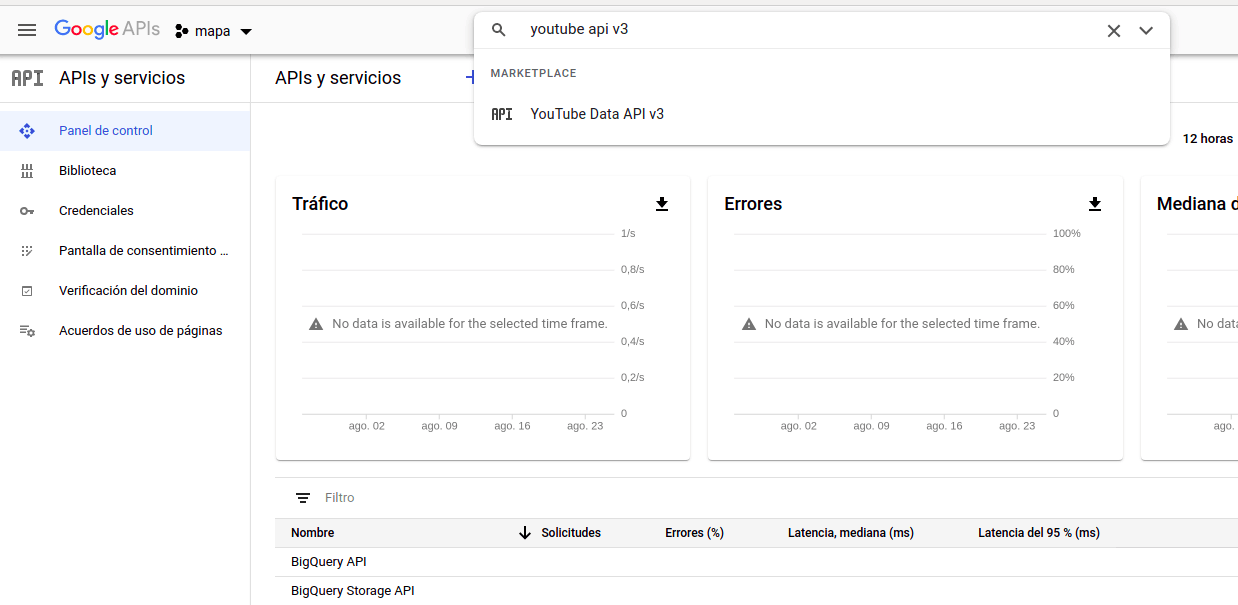
Then enable the API:
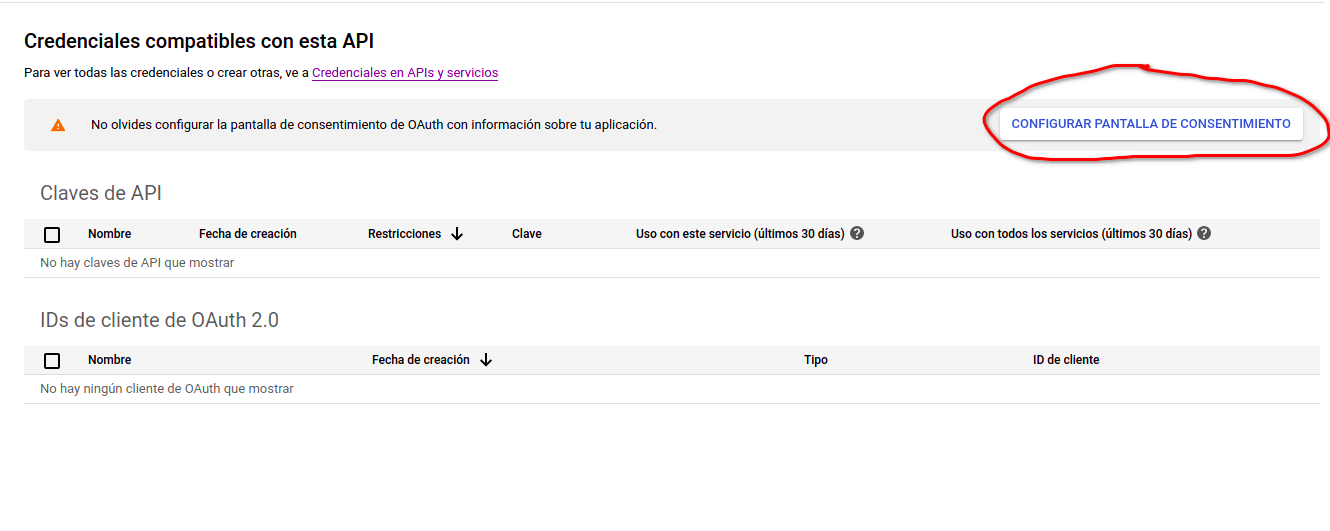
Now let's create our credentials:
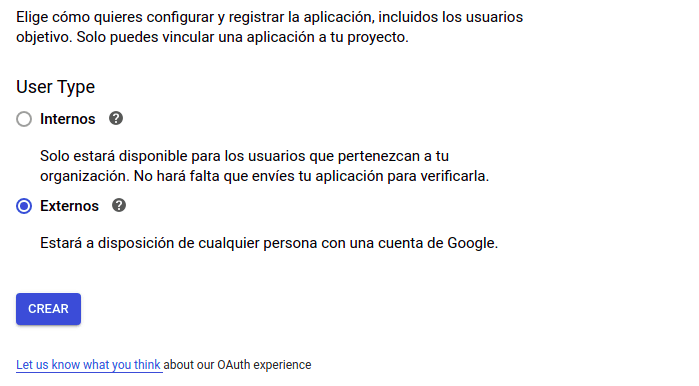
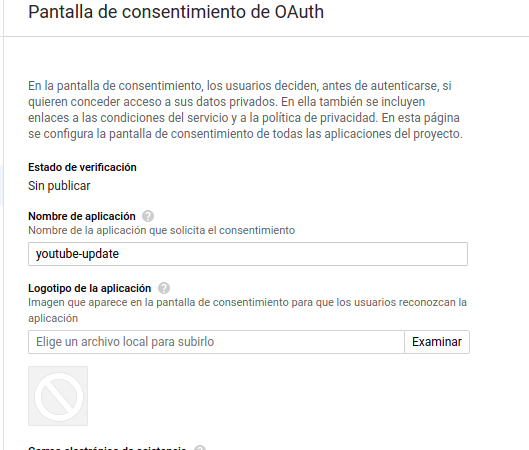
Give the app a name and save:
Now create an OAuth client:
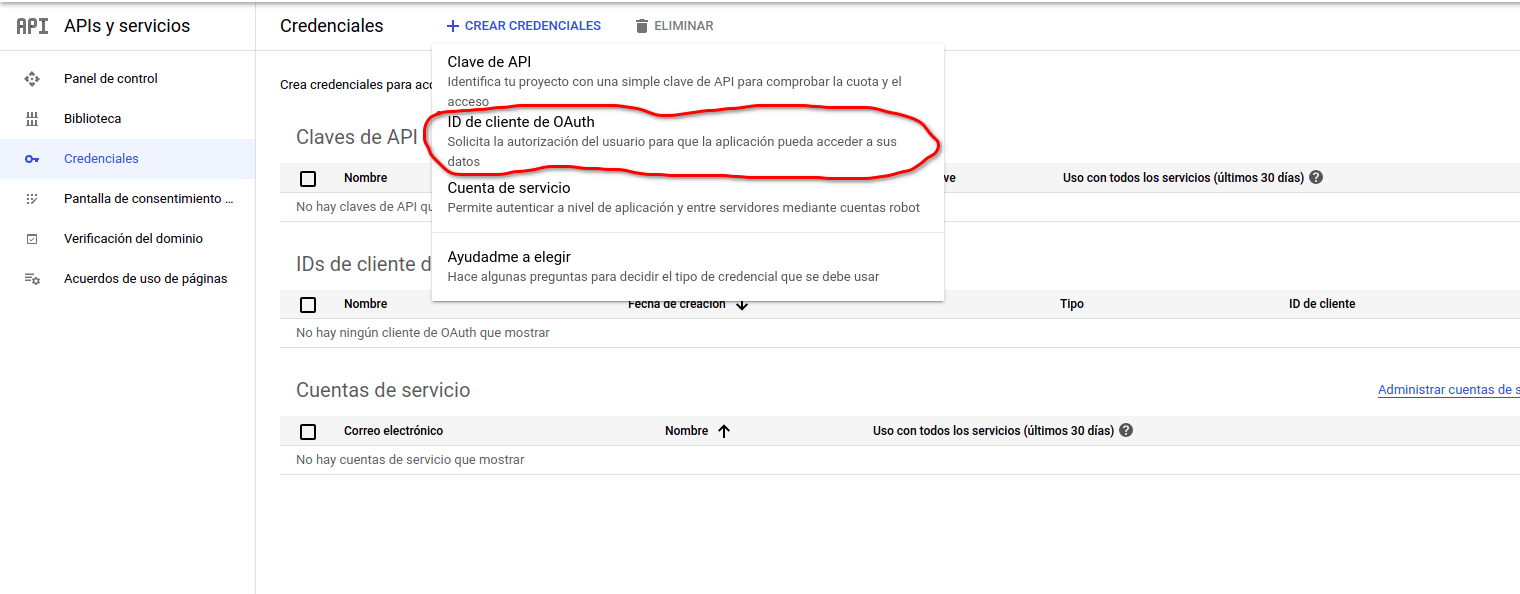
Choose the desktop application option and name it whatever you like:
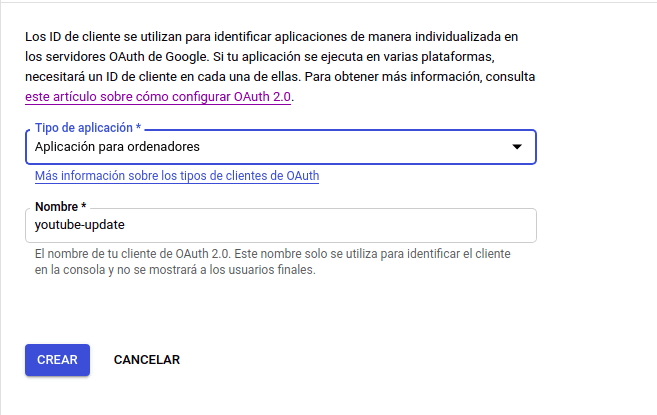
We have our credentials! We just need to download them:
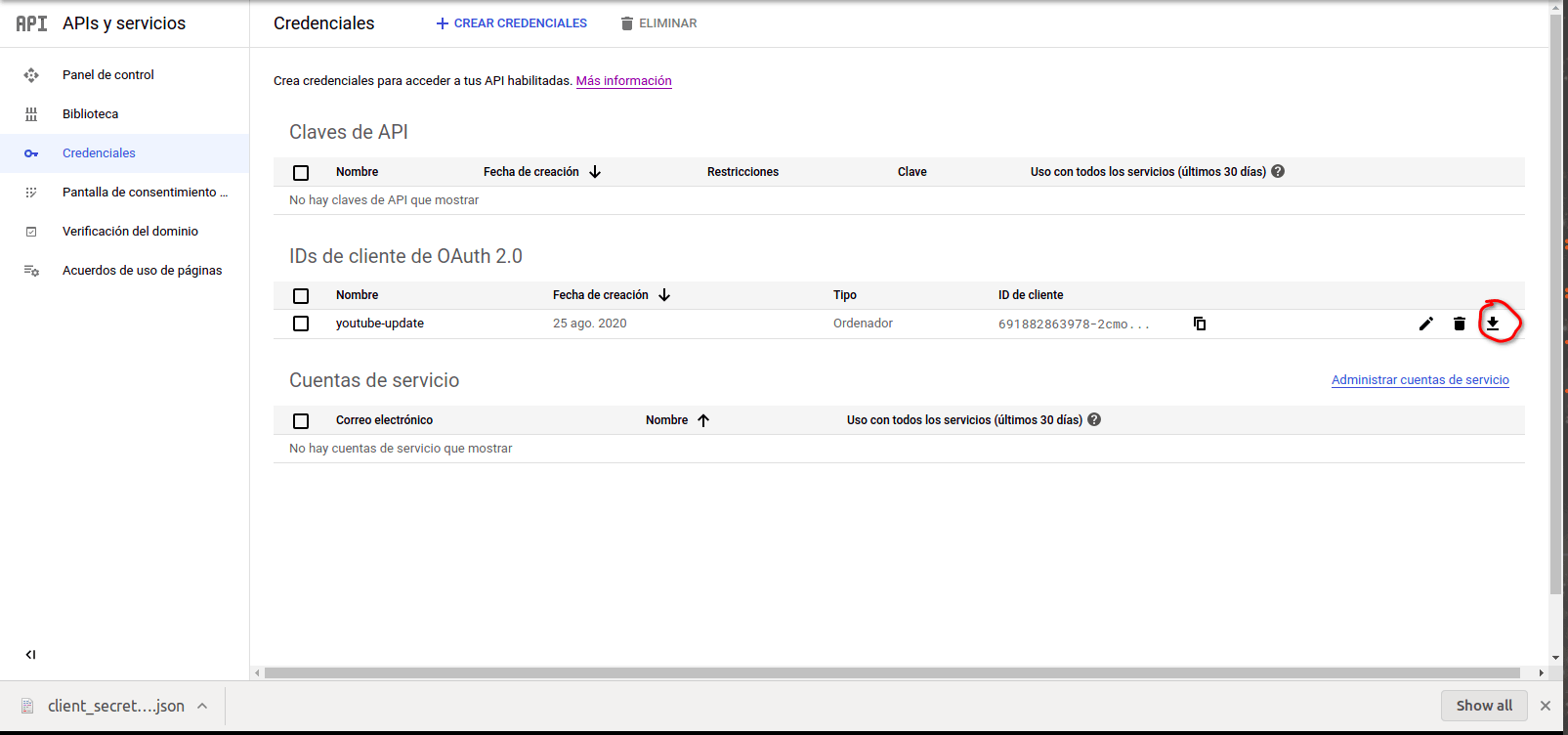
Once downloaded, move the file into the project folder and rename it to client_secret.json. Then update the line of code that reads it:
client_secrets_file = "client_secret.json"
Now we can run the script. Remember to pass a video ID as an argument:
python update.py YOUR_VIDEO_ID
When you run it, the console prints a link you need to open to get the token the script needs. Open the link and select the account that owns the video you want to modify (it has to be your own video). It gives you a token, copy it, paste it into the console prompt, and the script fetches the video's data:
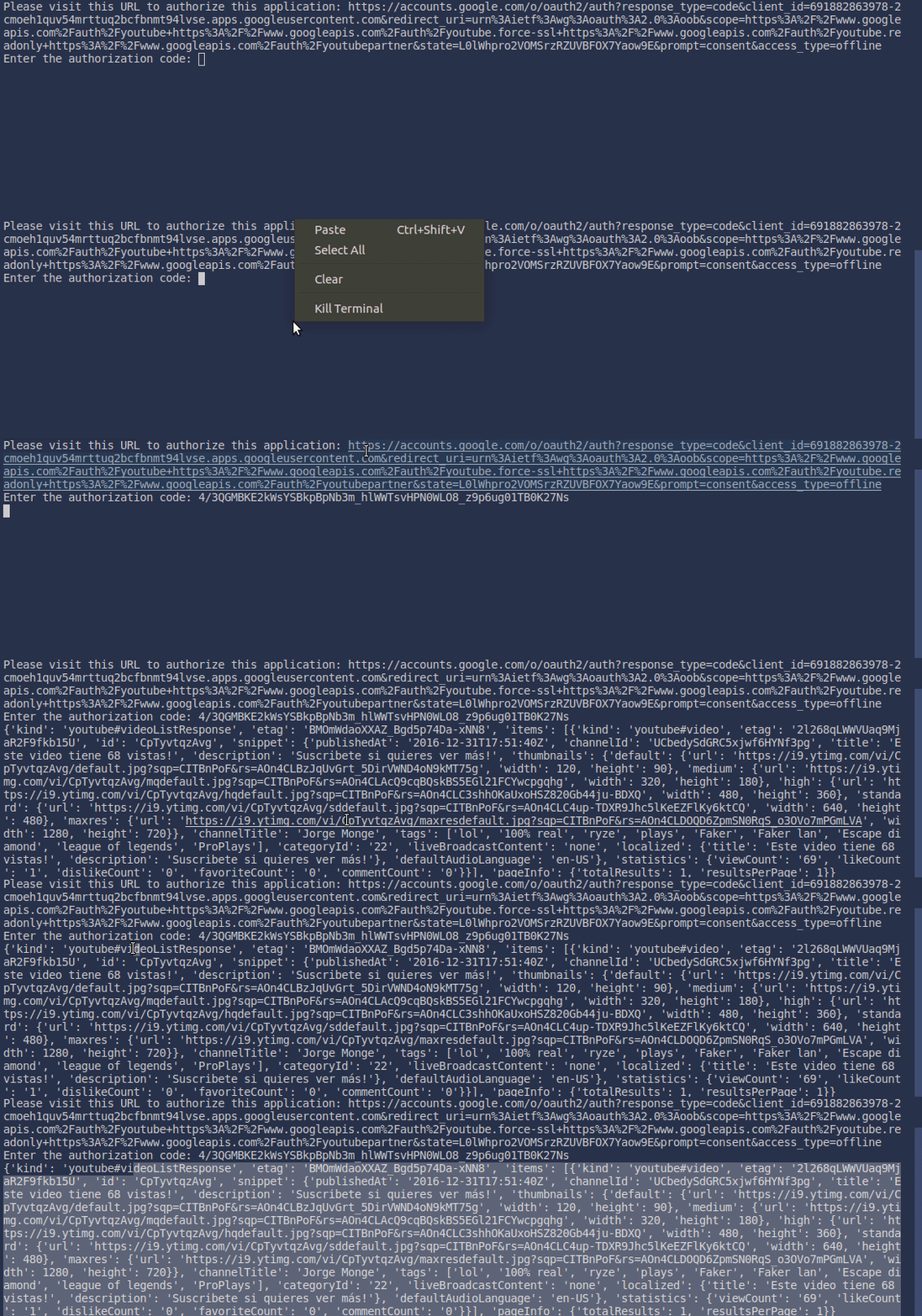
Within all that data is what we need, so we take it and send it back modified. We add this to the code to update the video's title:
data_del_video = response["items"][0]["snippet"]
vistas = response["items"][0]["statistics"]["viewCount"]

data_del_video["title"] = f"This video has {vistas} views!"

update_request = youtube.videos().update(
    part="snippet",
    body=dict(
        snippet=data_del_video,
        id=ID
    )
).execute()
Now we're missing the thumbnail. To generate the image we'll use a library called Pillow:
pip install pillow
Then create a file called generar_miniatura.py with the following code:
from PIL import Image, ImageDraw, ImageFont

def generar_imagen(vistas):
    img = Image.new('RGBA', (1280, 720), 'white')

    text_miniatura = f"This video \nhas \n{vistas} views"

    path = "./miniatura.png"

    font = ImageFont.truetype("Roboto-Black.ttf", 80)
    w, h = font.getsize(text_miniatura)

    draw = ImageDraw.Draw(img)

    draw.text(((1280-w)/2, (720-h)/2), text_miniatura, font=font, fill="black")

    img.save(path)

    return path
We need a font file in the same directory, you can download one from Google Fonts or wherever you prefer. The function returns the path where the image was saved; with that and the generated image we can update our video's thumbnail:
from generar_miniatura import generar_imagen

# ...

path = generar_imagen(vistas)

youtube.thumbnails().set(
    videoId=ID,
    media_body=path
).execute()
Run it and... it works! We've updated the video's title and thumbnail 🚀